RAV4 Quick Start Guide
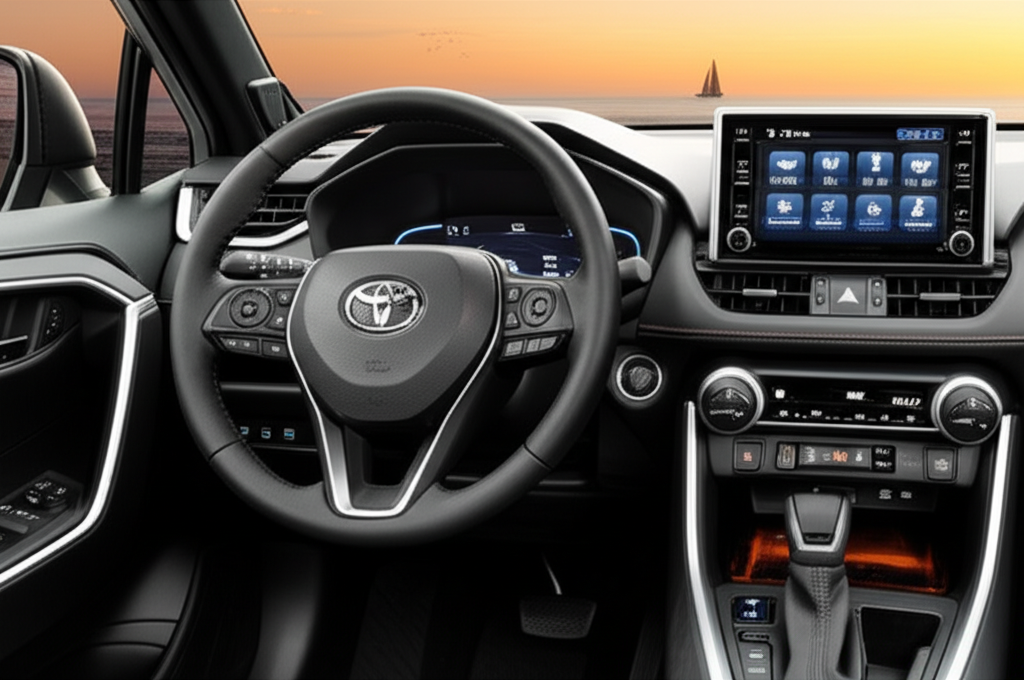
Welcome to your Toyota RAV4! This quick start guide will help you get familiar with the basic features and controls of your vehicle. For more detailed information, please refer to the specific sections of this guide or your owner's manual.
Getting Started
Smart Key System
Your RAV4 features a Smart Key system that allows you to lock, unlock, and start your vehicle without removing the key from your pocket or bag.
- Unlocking: Touch the sensor on the inside of the door handle
- Locking: Press the button on the outside of the door handle
- Starting: Press the ENGINE START STOP button while depressing the brake pedal
- Turning Off: Press the ENGINE START STOP button when the vehicle is stopped
Seat Adjustments
Adjust your seat before driving to ensure comfort and proper control of the vehicle.
- Forward/Backward: Pull the lever under the front of the seat
- Seat Height: Pull up or push down the lever on the side of the seat
- Seatback Angle: Lean forward and pull the lever on the side of the seat
- Lumbar Support: Rotate the dial on the side of the seatback (if equipped)
- Memory Positions: Use the buttons on the door panel (if equipped)
Essential Controls
Lights
- Headlights: Rotate the end of the left stalk
- AUTO position: Automatically turns lights on/off based on ambient light
- High Beams: Push the left stalk away from you
- Turn Signals: Move the left stalk up or down
- Fog Lights: Push the dedicated button on the dashboard (if equipped)
Wipers
- Front Wipers: Move the right stalk up or down
- AUTO position: Automatically adjusts wiper frequency based on rainfall (if equipped)
- Washer Fluid: Pull the right stalk toward you
- Rear Wiper: Rotate the end of the right stalk
- Rear Washer: Push the right stalk away from you
Climate Control
- Temperature: Rotate the temperature dial
- Fan Speed: Rotate the fan speed dial or press the up/down buttons
- AUTO mode: Press the AUTO button for automatic climate control
- A/C: Press the A/C button to turn on/off air conditioning
- Defrost: Press the front or rear defrost buttons as needed
Infotainment System
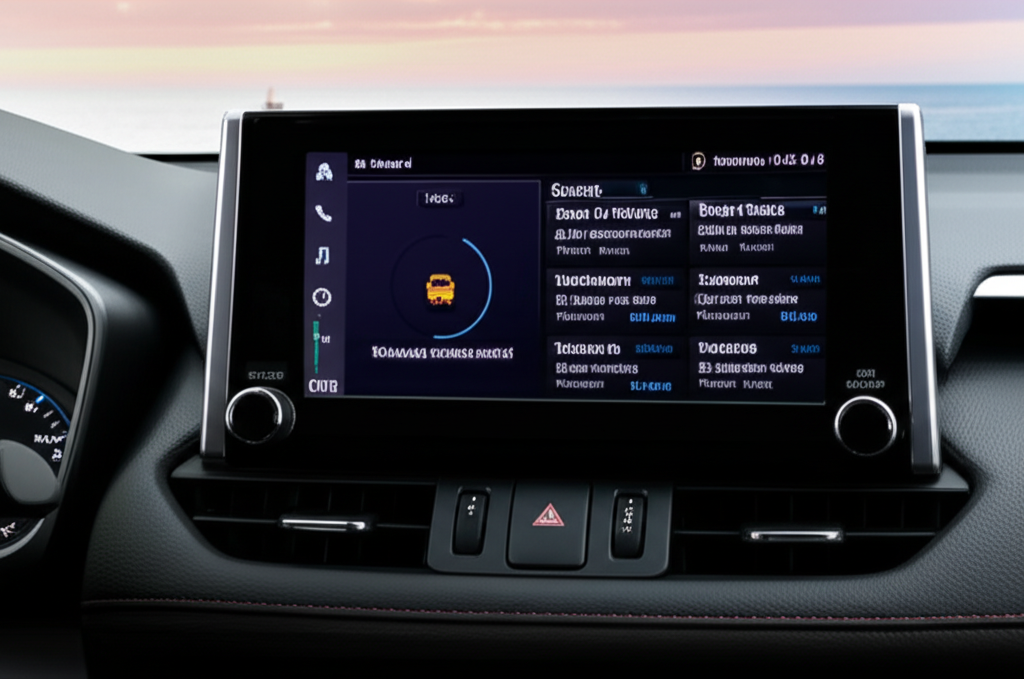
Your RAV4 is equipped with a touchscreen infotainment system that provides access to audio, navigation (if equipped), phone connectivity, and vehicle settings.
Basic Operations
- Power/Volume: Press the power button to turn on/off, rotate to adjust volume
- Home Screen: Press the HOME button to access the main menu
- Audio Sources: Press the AUDIO button to cycle through available sources
- Bluetooth Pairing: Press SETUP → Bluetooth → Add to pair a new device
- Apple CarPlay/Android Auto: Connect your compatible smartphone via USB
Voice Recognition
Press the voice recognition button on the steering wheel to activate voice commands for phone, audio, and navigation functions.
Driving Modes
Your RAV4 offers multiple driving modes to optimize performance for different conditions and preferences.
| Mode | Function | Best Used For |
|---|---|---|
| ECO | Adjusts throttle response and climate control to maximize fuel efficiency | Highway driving, commuting |
| NORMAL | Balanced performance and efficiency | Everyday driving |
| SPORT | Enhances throttle response and steering feel for a more engaging drive | Winding roads, spirited driving |
| TRAIL (AWD models) | Optimizes traction control for improved grip on loose or slippery surfaces | Dirt roads, snow, mud |
To change driving modes, use the drive mode selector located on the center console.
Safety Reminders
- Always wear your seatbelt and ensure all passengers are properly restrained
- Adjust mirrors and seat position before driving
- Never use a cell phone while driving unless with hands-free technology
- Be aware of your vehicle's blind spots
- Familiarize yourself with the location of safety features like hazard lights and the spare tire
- Review the safety features section for information on Toyota Safety Sense™ 2.0